0:04
“remind me to call mom when I land on friday”
Say it out loud.
Tap the mic and talk. Ellipsis transcribes it, lets you fix a word before it’s saved, and treats it like anything else you capture.
A calm second brain for busy minds
Capture the half-formed ideas, reminders and fragments that show up throughout the day. Ellipsis figures out how they connect, and brings back the ones worth finishing.
For the things that don’t have a home yet, and the ones you’d rather not carry around all day.
How it works
01Scattered
Thoughts arrive out of order: on the train, mid-meeting, half-asleep. Put them down exactly as they come.
Six quiet tools
01Capture · Pings
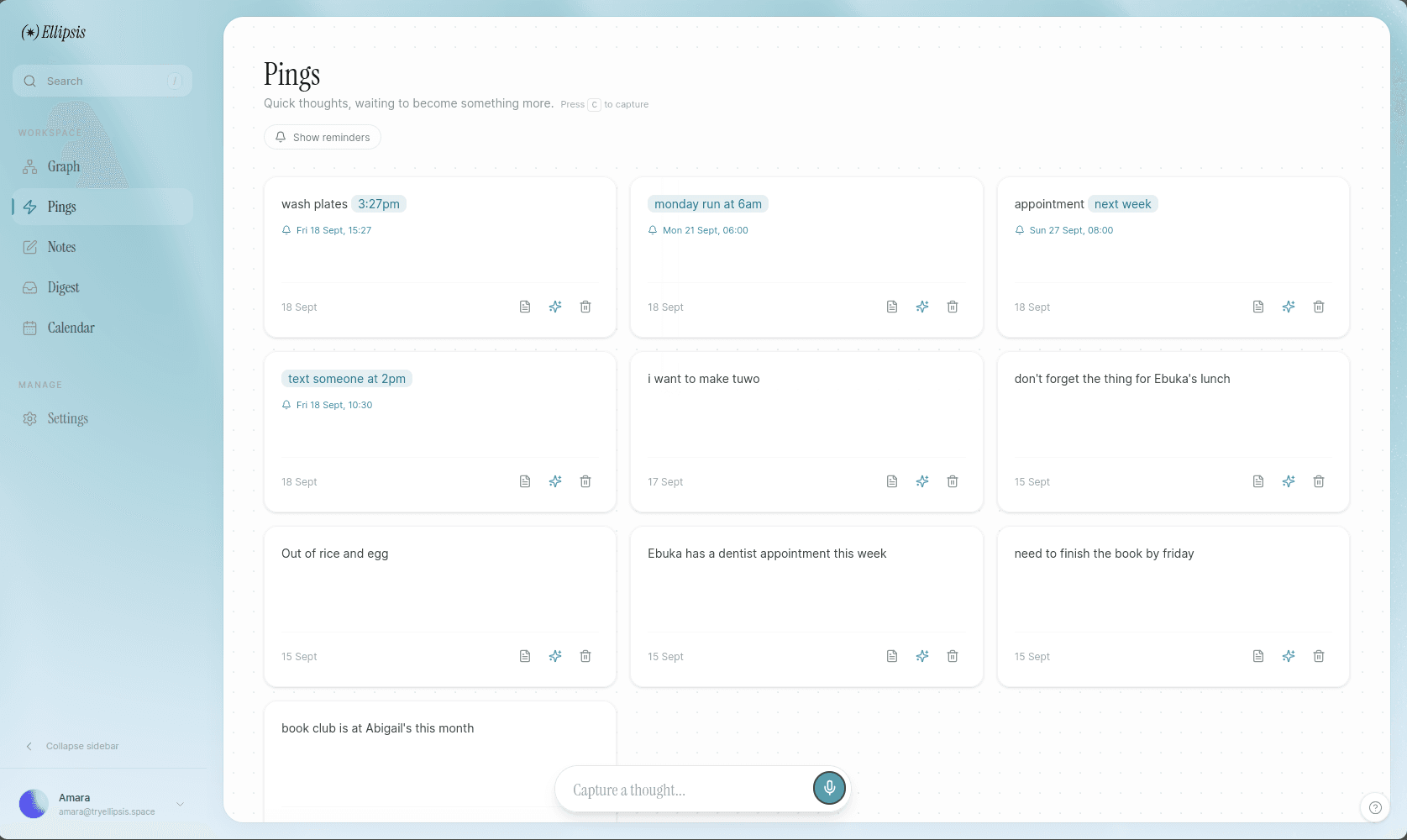
Pings are for the fragments that don’t have a home yet. Type or speak them in seconds, without turning the moment into admin. Tap one later to see everything it’s linked to.
02Connect · Graph
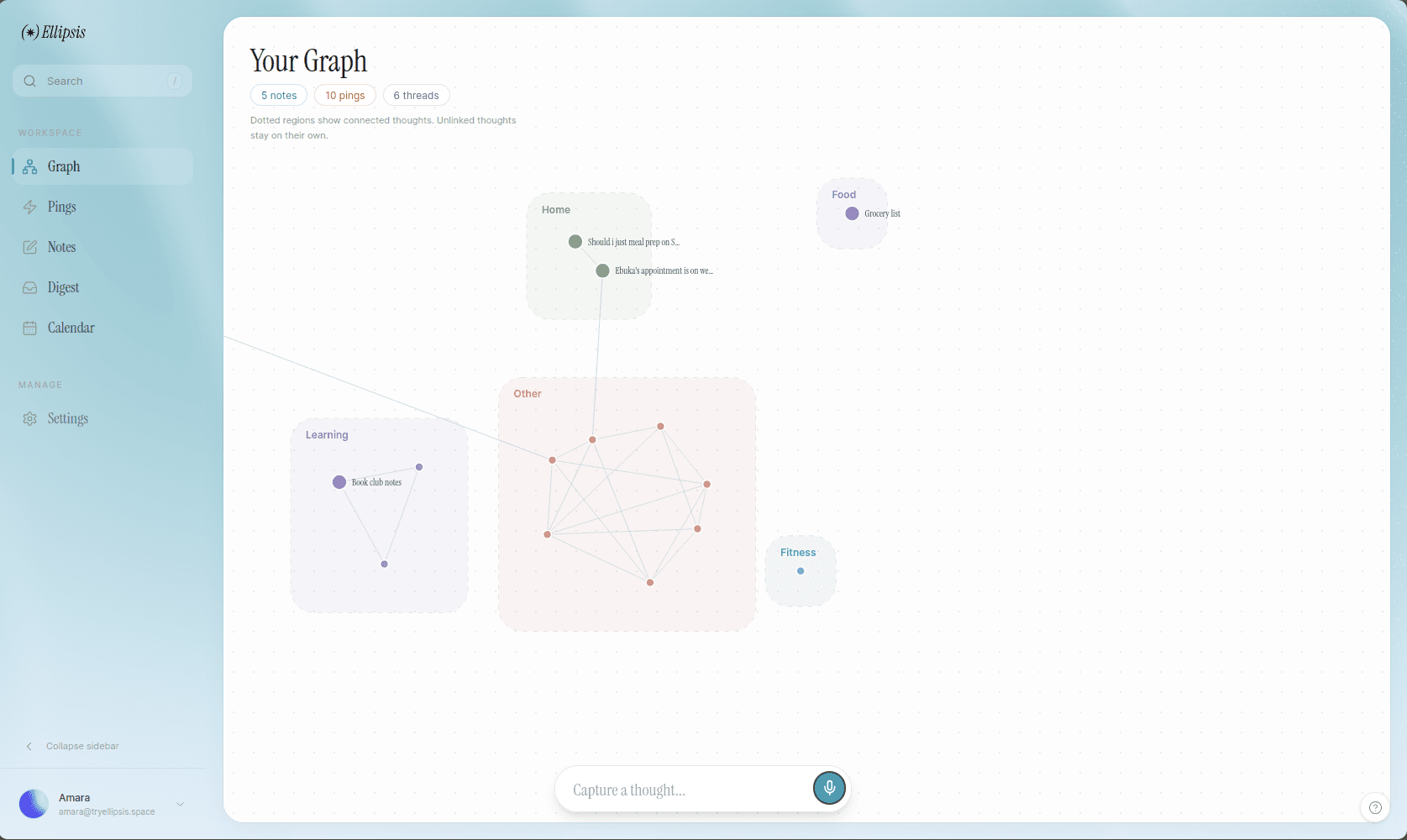
Your graph brings related ideas into view. Follow a thread, spot a pattern, and make the connection you would have missed in a list.
03Develop · Notes
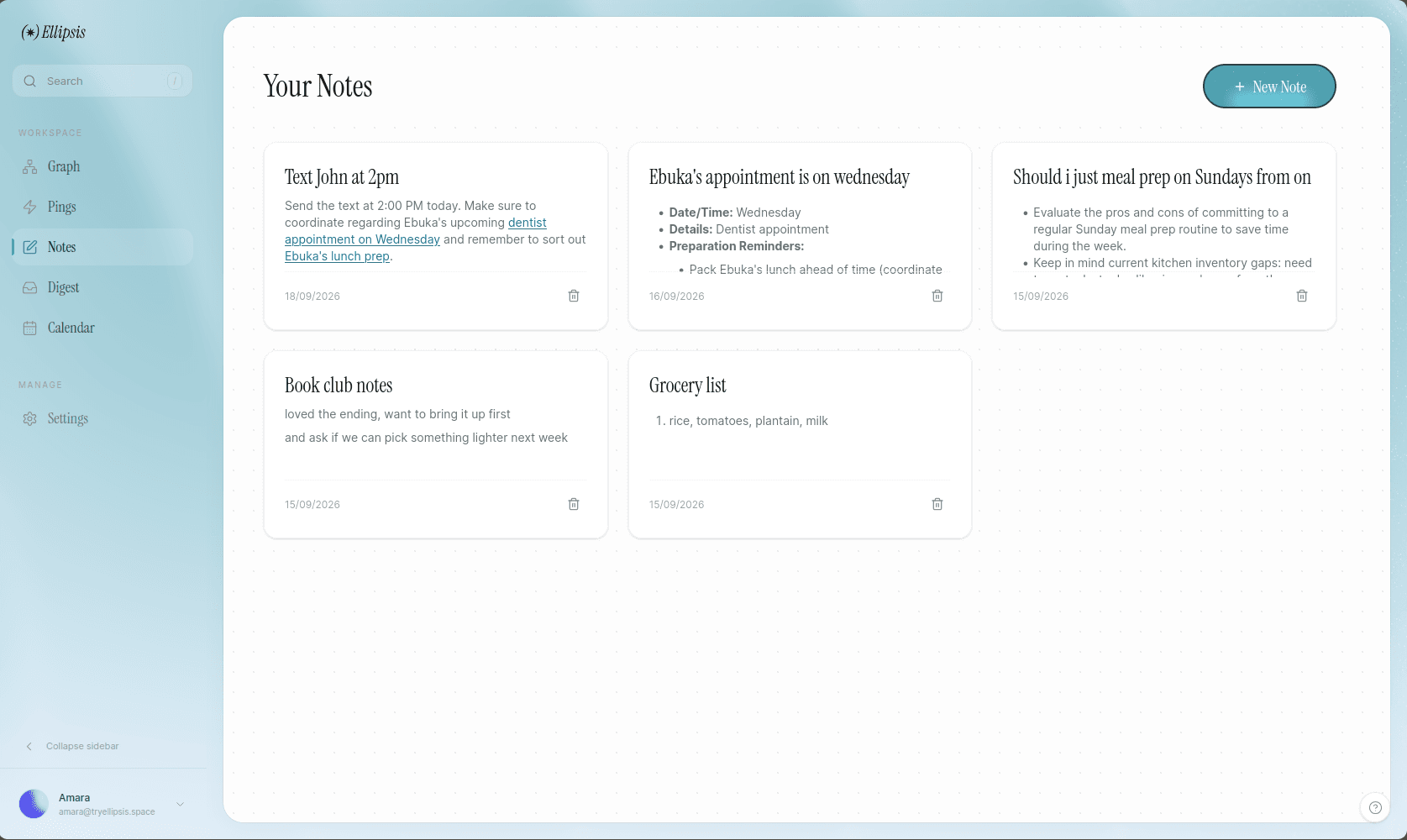
Notes are where fragments become something more considered. Write, link and revisit, without losing the original spark.
04Remember · Calendar
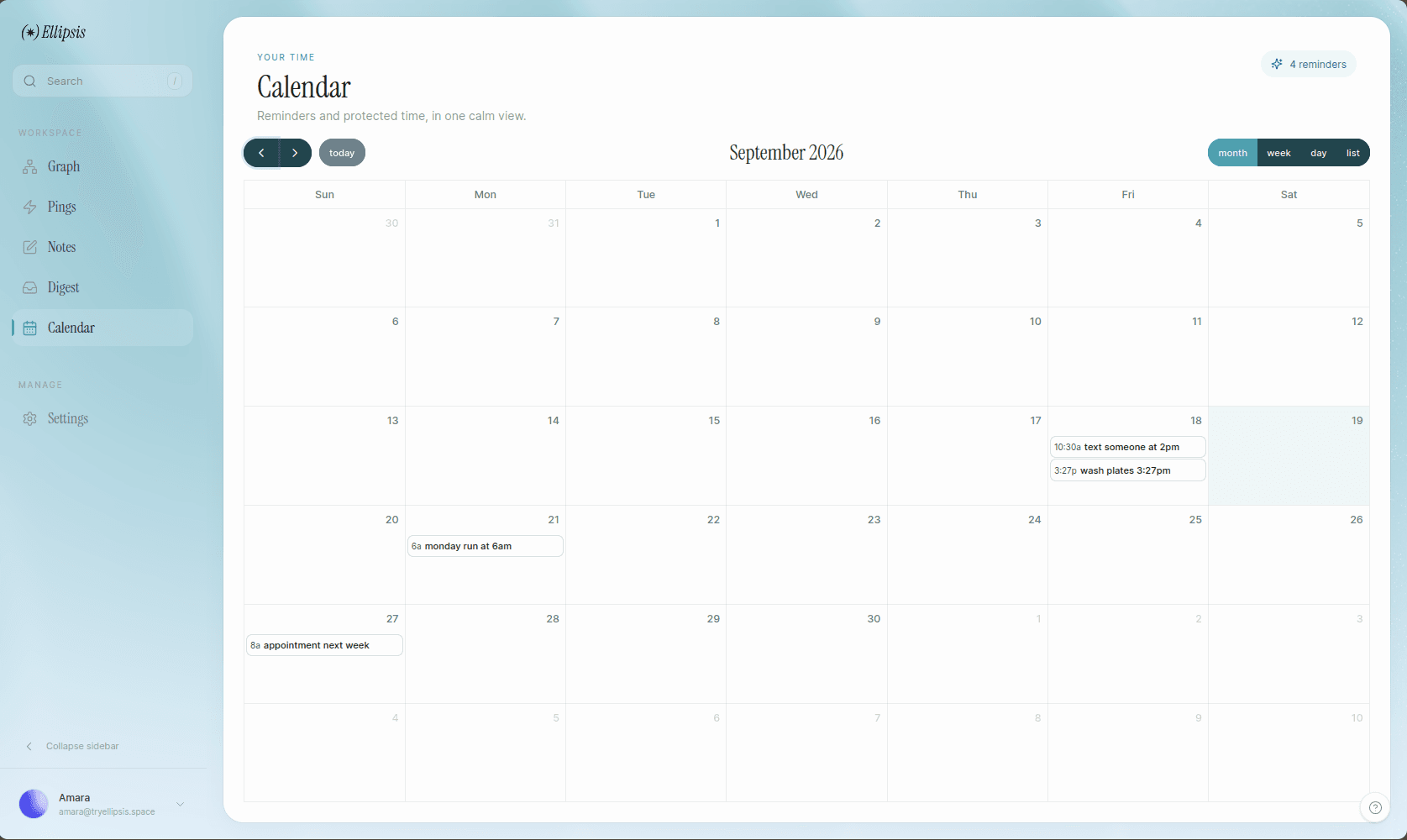
Reminders and protected time share one calm view, so the things you meant to do have somewhere to meet you. Bring in your Google, Apple or Outlook calendar with its iCal link.
05Keep · Habits
Check off the few things you want to keep doing. Streaks grow day by day, and the days you planned off never break them.
06Brief · Digest
Each morning, a short briefing: the weather, what’s on, and whether to grab a coat. Each evening, a gentle wrap-up that looks ahead to tomorrow.
In the details
Every interaction is designed to cost you less attention than the thought itself.
“remind me to call mom when I land on friday”
Tap the mic and talk. Ellipsis transcribes it, lets you fix a word before it’s saved, and treats it like anything else you capture.
water the plants tomorrow 8am
Tomorrow · 08:00
appointment next week
Write “tomorrow 8am” like a person. It becomes a reminder.
One key to capture, one to find anything you’ve written.
Promote a ping into a note, or a note into tasks, when it’s ready.
Tuesday morning
Good morning, Amara.
14°
Rain from 4pm
Grab a coat for the walk home. You have three things on today, and the dentist at 2pm is the one that can’t move.
Weather, plans and the thoughts you keep circling, in the morning and again at night.
Go for a walk
23 daysWeekends off, by design. The streak doesn’t mind.
Choose the days a habit is for. Days off never count against you.
Ping
book the ferry for the island trip friday
Expand into a note
Save as a note
Open in Tasks
Tap a ping to see all of it: its reminder, what you can do next, and the thoughts it connects to.
Why Ellipsis
Most tools ask you to organise before you’re allowed to think. Ellipsis works the other way around. Think first. Write it down the way it arrives: messy, unfinished, mid-sentence. We’ll notice the patterns, hold on to the reminders, and hand the thread back when you’re ready to pull on it.
Privacy
Encrypted before it’s stored
Your pings, notes, tasks, habits and calendar links are sealed with AES-256-GCM before they reach our database. The keys are kept apart from it, so a leaked database or backup is unreadable.
Honest about the AI
This isn’t end-to-end encryption. To connect thoughts, write your briefing and answer questions, our server opens the relevant words and sends them to Google’s Gemini to process. We only send what a feature needs, when you use it.
Some things stay on your device
Your saved weather place stays on your phone or laptop; only rough coordinates are used to fetch the forecast. Anything captured offline waits on your device until it syncs, and is cleared when you sign out.
No ads, no selling, no cookies
We don’t sell your information or your thoughts, and there are no ad trackers. Cookie-free product analytics count which features get used, never what you write, and you can switch them off in Settings.
Leave whenever you like
Delete your account from Settings and everything in it is removed for good.
What you write
Ask Maya about the Lisbon trip before Friday
What our database holds
enc:v1:k1:Qm9f2xL8aR1c:7Hq0Zb3nVtW9pLk2sE4yRj6uXc8dF1gA5mN0oP…
Give it somewhere to land. Setting up takes less time than the thought you’re about to lose.